
Host Classic
TV-Style Game Shows
“Try” opens playfamilyfeud.com, where you can choose your game. Sign in there to create and save your game.
Start with the Free plan: up to two games of each type. No credit card required. See plan details
Which game fits your event?
Compare four TV-style and classic group games for company events, team building, and social gatherings. Each combines a shared audience display with private host controls.
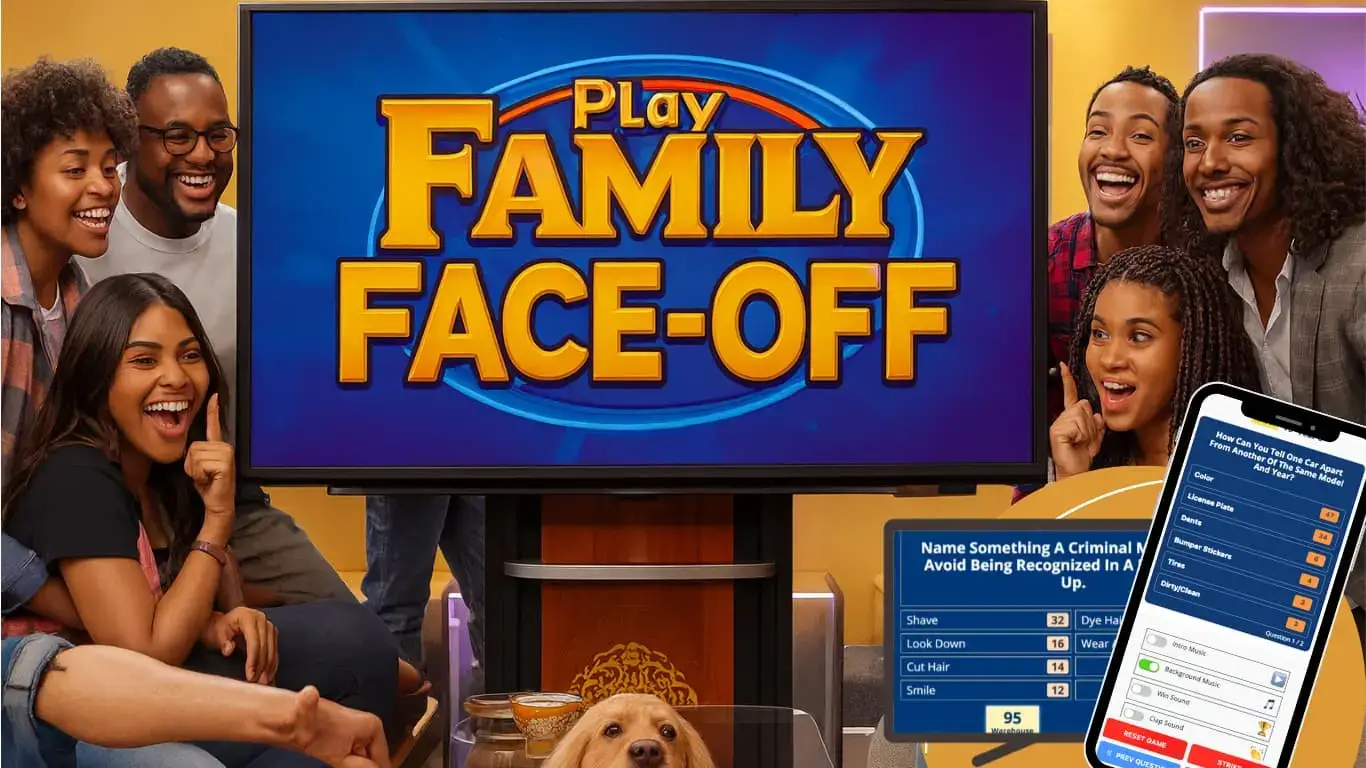
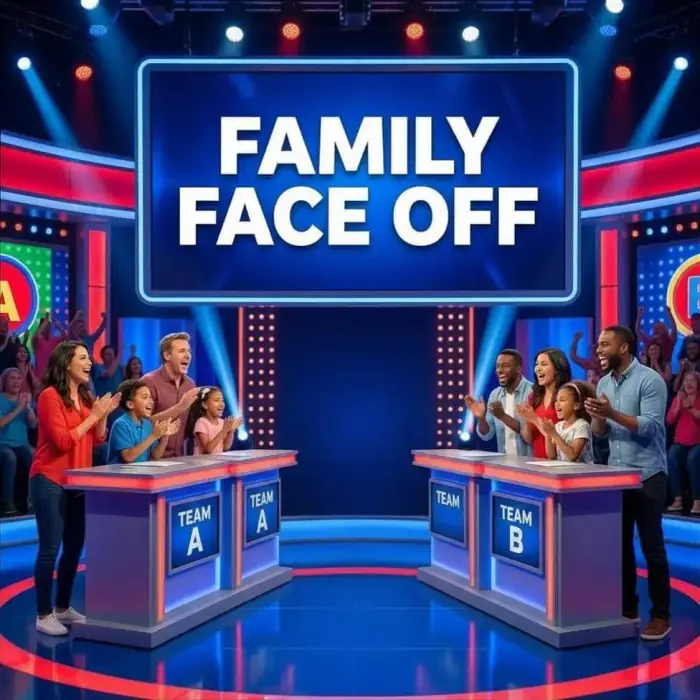
Family Face-Off: a Family Feud-style game
Bring the survey-answer format of Family Feud to your event. Teams guess the top answers while everyone follows the shared board.
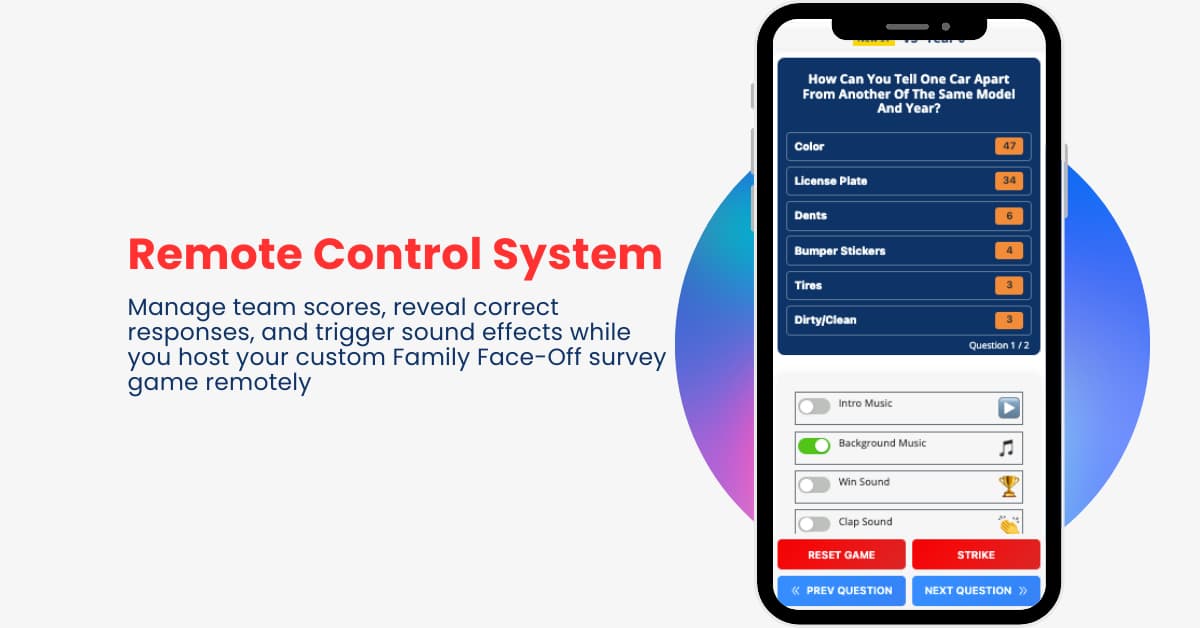
Use your own questions for a company celebration or group game night. From your phone, reveal answers, add strikes, manage scores, and trigger sound effects while keeping the remaining answers private.
Try Family Face-Off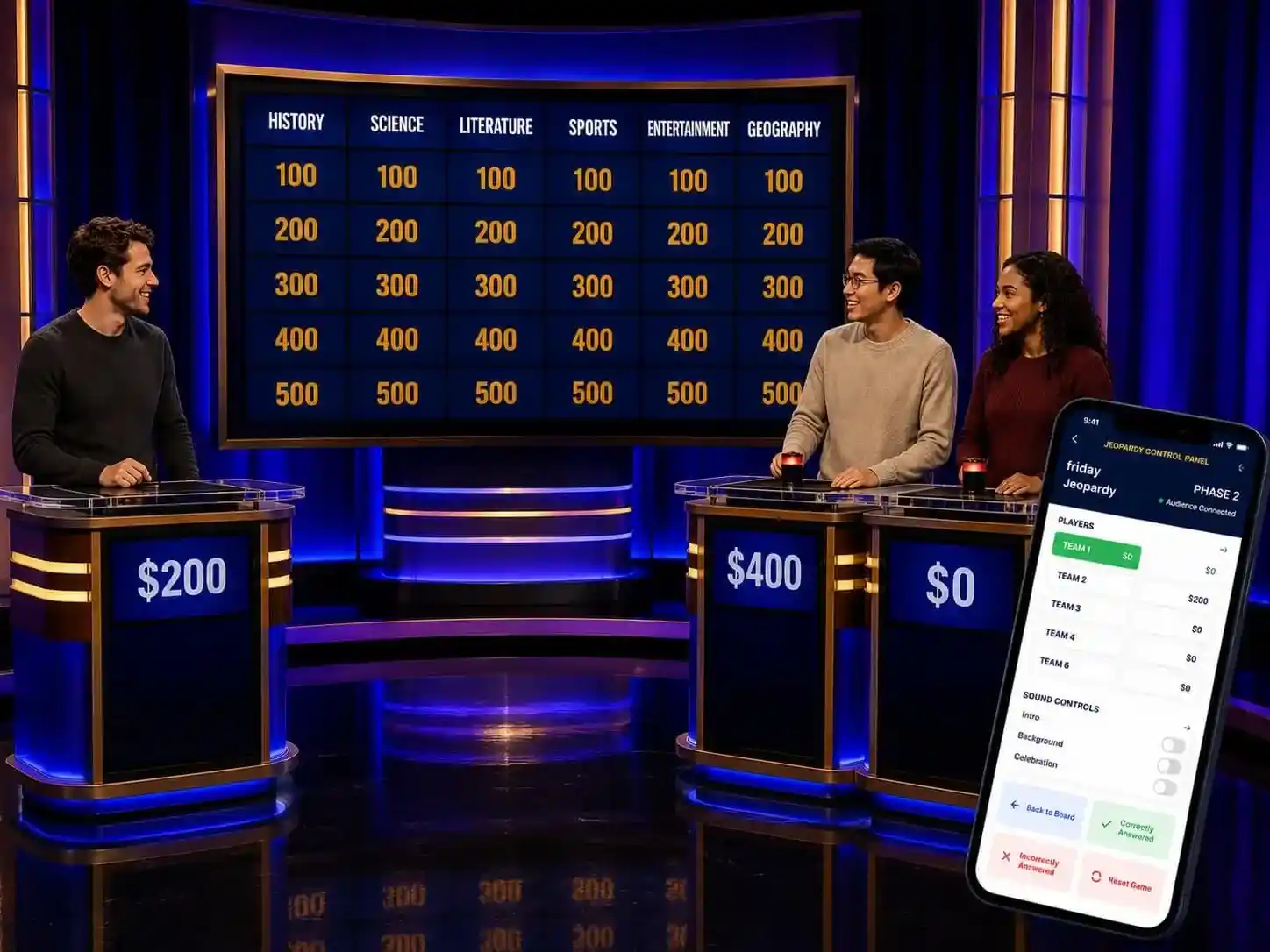
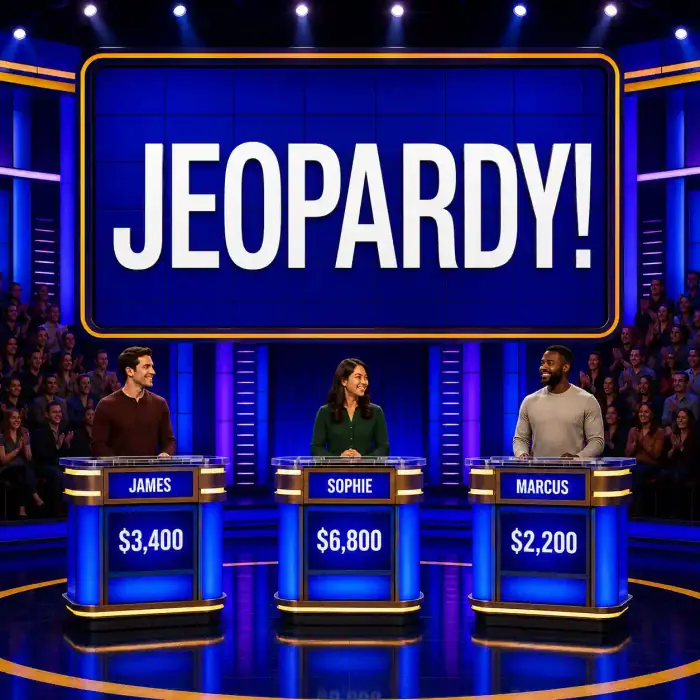
Jeopardy-style trivia: categories, clues, and points
Build a custom trivia board inspired by Jeopardy! Teams choose categories and point values, then compete to answer your questions.
Mix general knowledge with topics your group knows, from entertainment to company facts. Display the board on a TV, projector, or shared meeting screen, and use your phone to reveal answers and update scores.
Try Jeopardy-style trivia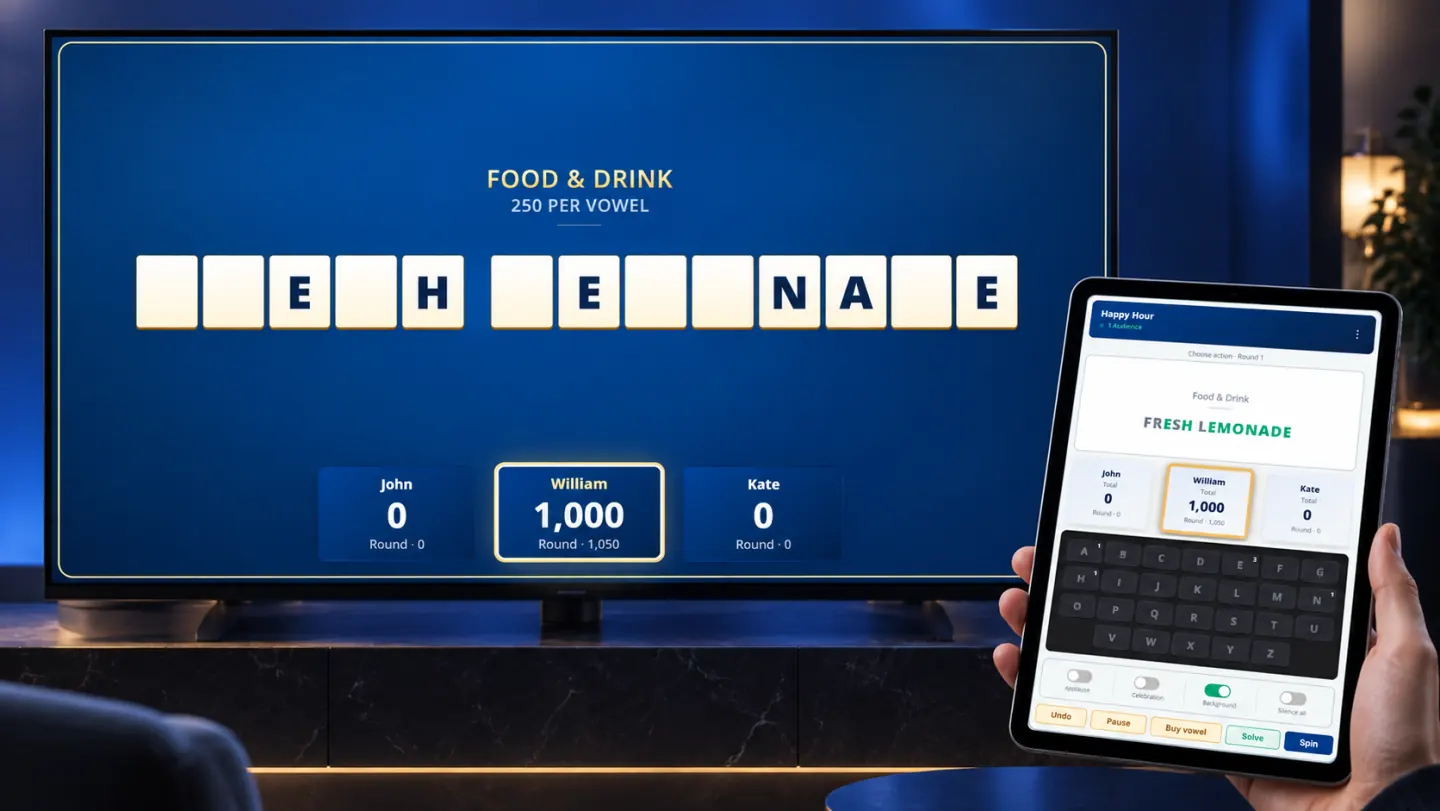
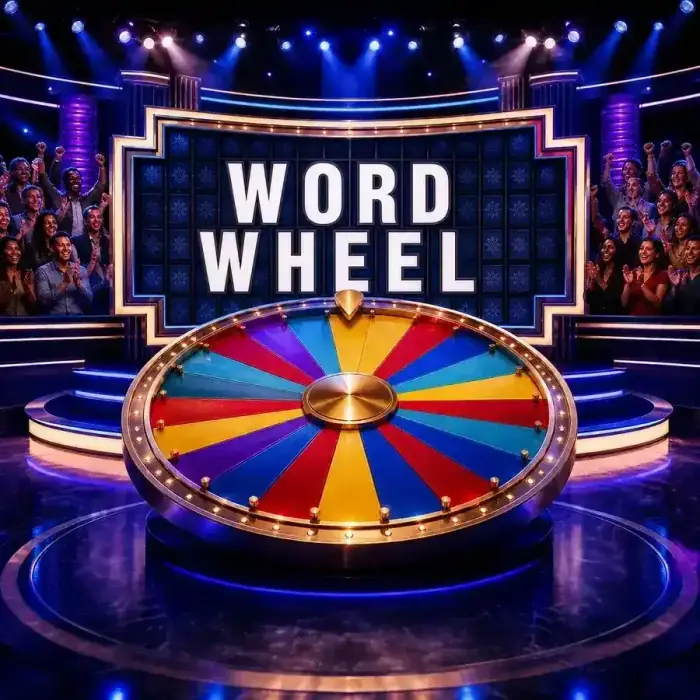
Word Wheel: a Wheel of Fortune-style puzzle game
Bring the spin-and-solve format of Wheel of Fortune to your group. Players guess letters and solve your custom phrases, with an animated wheel, letter reveals, and sound effects.
Choose puzzles around your event’s theme. The audience sees the puzzle board while you keep the solution and game controls on your phone or tablet.
Try Word Wheel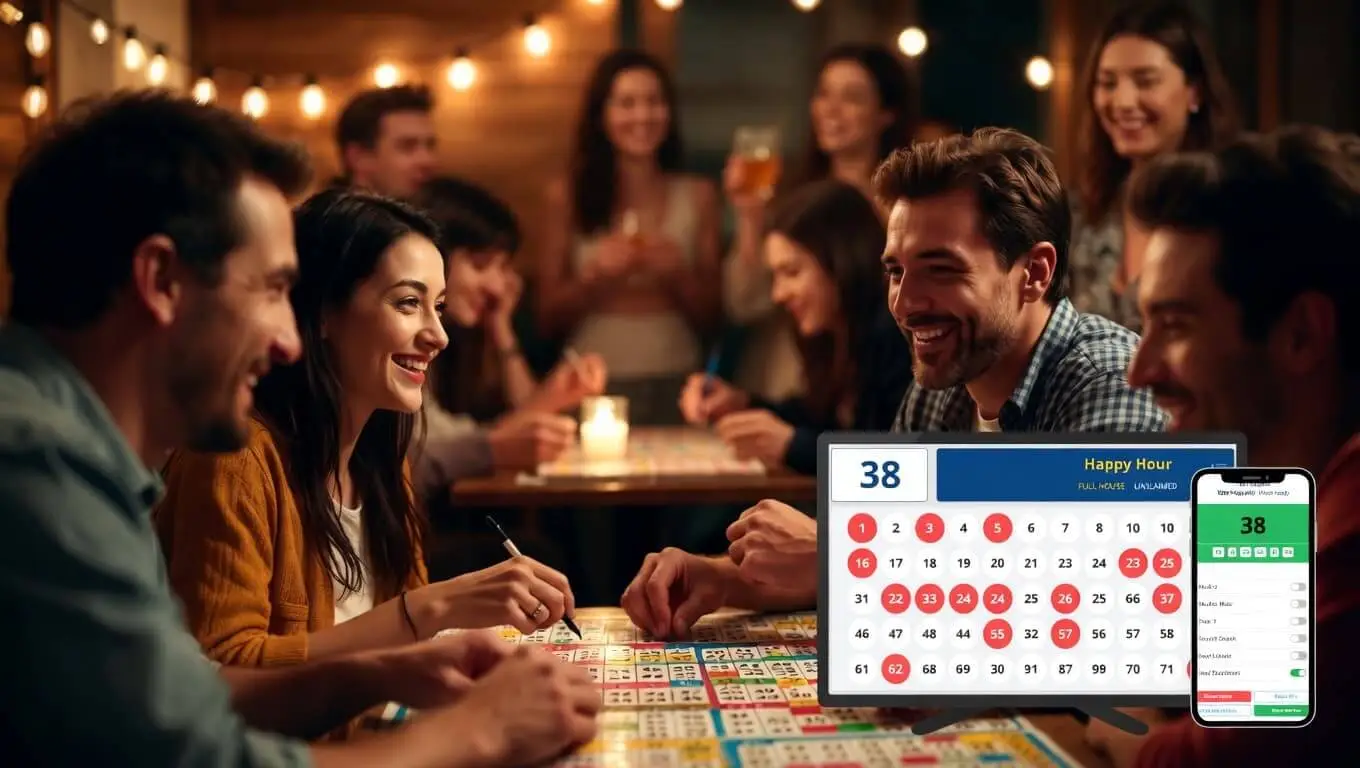
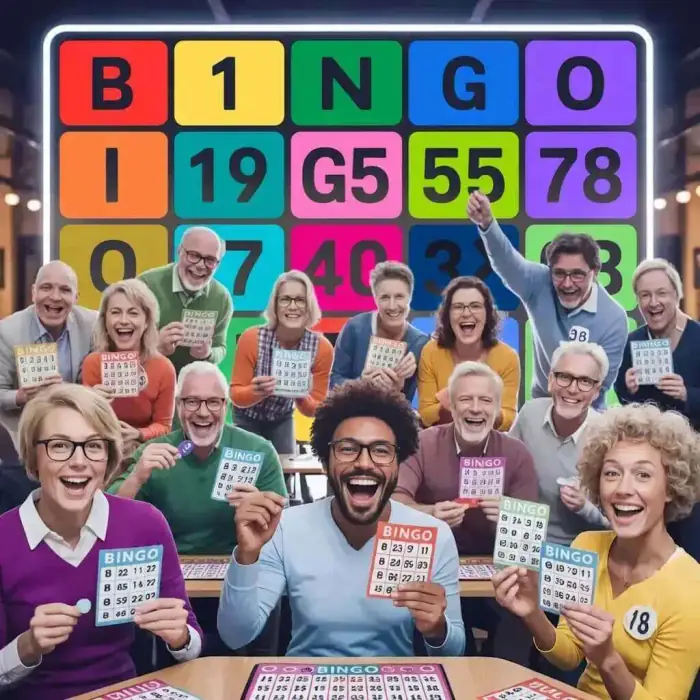
Bingo: the classic number-calling game
Host traditional Bingo with a digital number caller and shared display. Players mark their cards and aim for your chosen winning pattern.
Run the draw from your phone and pause when someone calls Bingo. It’s an option for company socials and group gatherings where you want a familiar game without preparing questions or puzzles.
Try BingoThese are independently created games inspired by familiar formats. Zingopop and Family Face-Off are not affiliated with or endorsed by Family Feud, Jeopardy!, Wheel of Fortune, or their owners.
Run the show from your phone.
Open the private Control Panel on your phone or tablet and the Audience View on a laptop connected to a TV or projector. Your group sees the board; you keep the answers and controls in your hand.
Reveal answers, manage scores, or control spins and number draws, depending on the game. For remote events, share only the Audience View through your meeting tool.
Plan your screen and host setup
A shared display makes the board visible to everyone. A separate phone, tablet, or laptop keeps the host’s controls private.
What equipment should we prepare?
For an in-person event, prepare a phone or tablet for the host, plus a laptop connected to the room’s TV or projector for the Audience View. Both game views need an internet connection. Open the audience screen and complete its audio prompt before testing the sound. Rehearse on the equipment you’ll use at the event.
Can we use this for a remote team event?
You can share the Audience View through your usual meeting tool, such as Microsoft Teams, Zoom, or Google Meet. Keep the Control Panel in a separate, unshared window. Use your meeting’s audio or chat to coordinate the group; the game does not replace the meeting tool.
Do players need phones or accounts?
When you host Family Face-Off, Jeopardy-style trivia, or Word Wheel on a shared screen, players can give their answers to the host without signing in or using individual phones. For in-person Bingo, you can print cards for players. The person creating and saving the game needs an account; remote participants also need access to your meeting.
How many teams or contestants can play?
- Family Face-Off: two competing teams.
- Jeopardy-style trivia: two to six teams.
- Word Wheel: two to four contestant slots.
- Bingo: players use individual cards rather than team slots.
These are game slots, not a tested maximum event attendance. For a large event or a specific setup, ask us about your requirements.
Can we try it before choosing a paid plan?
Yes. Sign in on playfamilyfeud.com to create and save games. The Free plan includes up to two games of each type with no credit card required. Organization features are separate; see the current plans and limits before deciding which access you need.
Can we use our own questions and puzzles?
The game builders let you prepare content for Family Face-Off, Jeopardy-style trivia, and Word Wheel. The format differs by game: survey-style answers, category-based questions, or word puzzles. Open the relevant builder and try a sample before preparing the full event.
What if several colleagues need to host?
The Organization plan supports inviting colleagues as members with their own accounts. Decide who needs to create and host games before choosing a plan. See the team invitation guide for how access is assigned.
Which plan do we need?
Check the current plans and limits against the games you want to create and the colleagues who need hosting access. For a specific requirement, contact us before booking your event around it.
Why do the games open on playfamilyfeud.com?
Zingopop is the platform brand from the team behind Family Face-Off. Games and hosting tools are currently on playfamilyfeud.com. If you already use it, keep your existing account, saved games, and subscription; there is no separate Zingopop account to create.